
Yue
Yue is a minimal, multilingual and customizable Hugo theme, suitable for blogging.
Screenshots
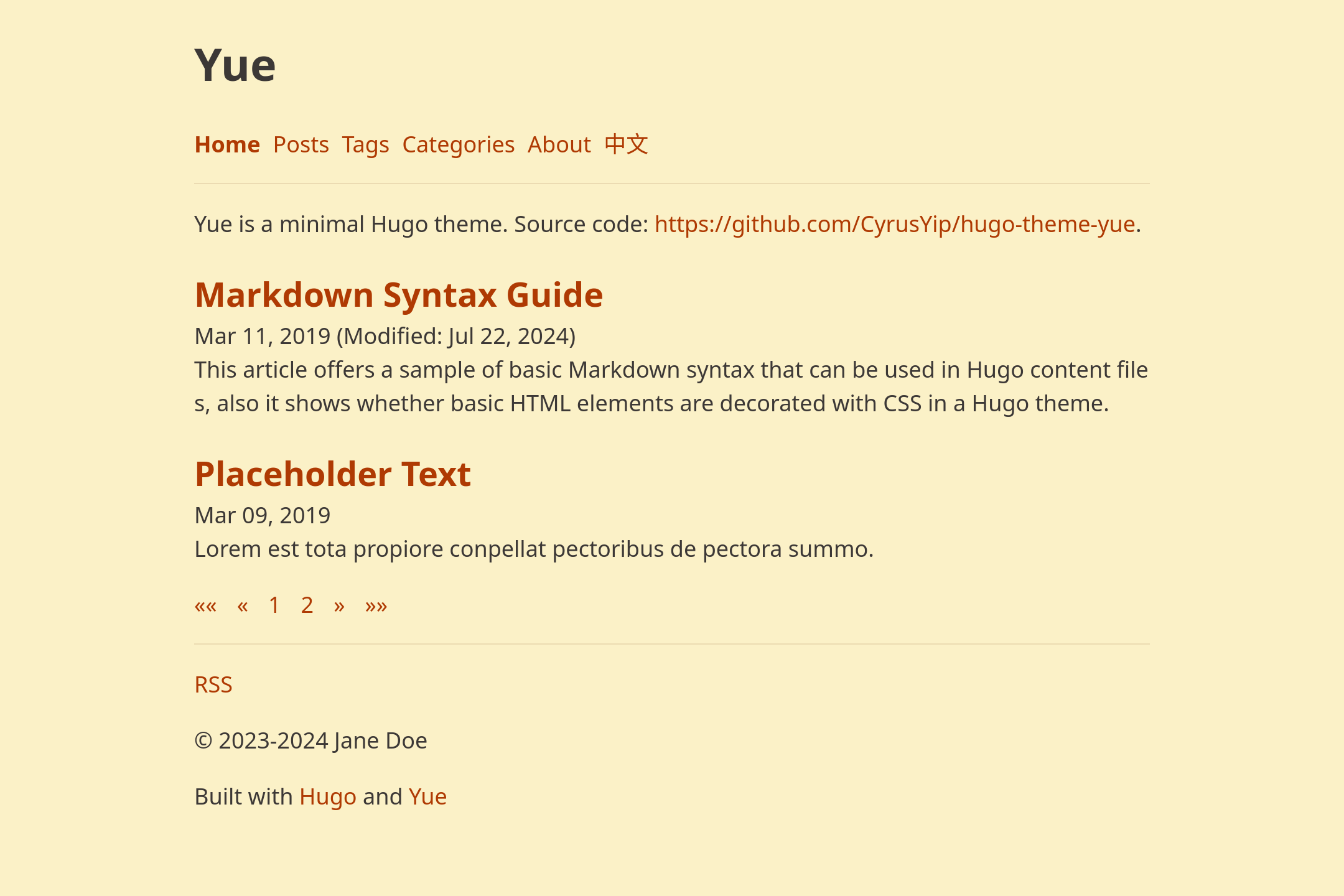
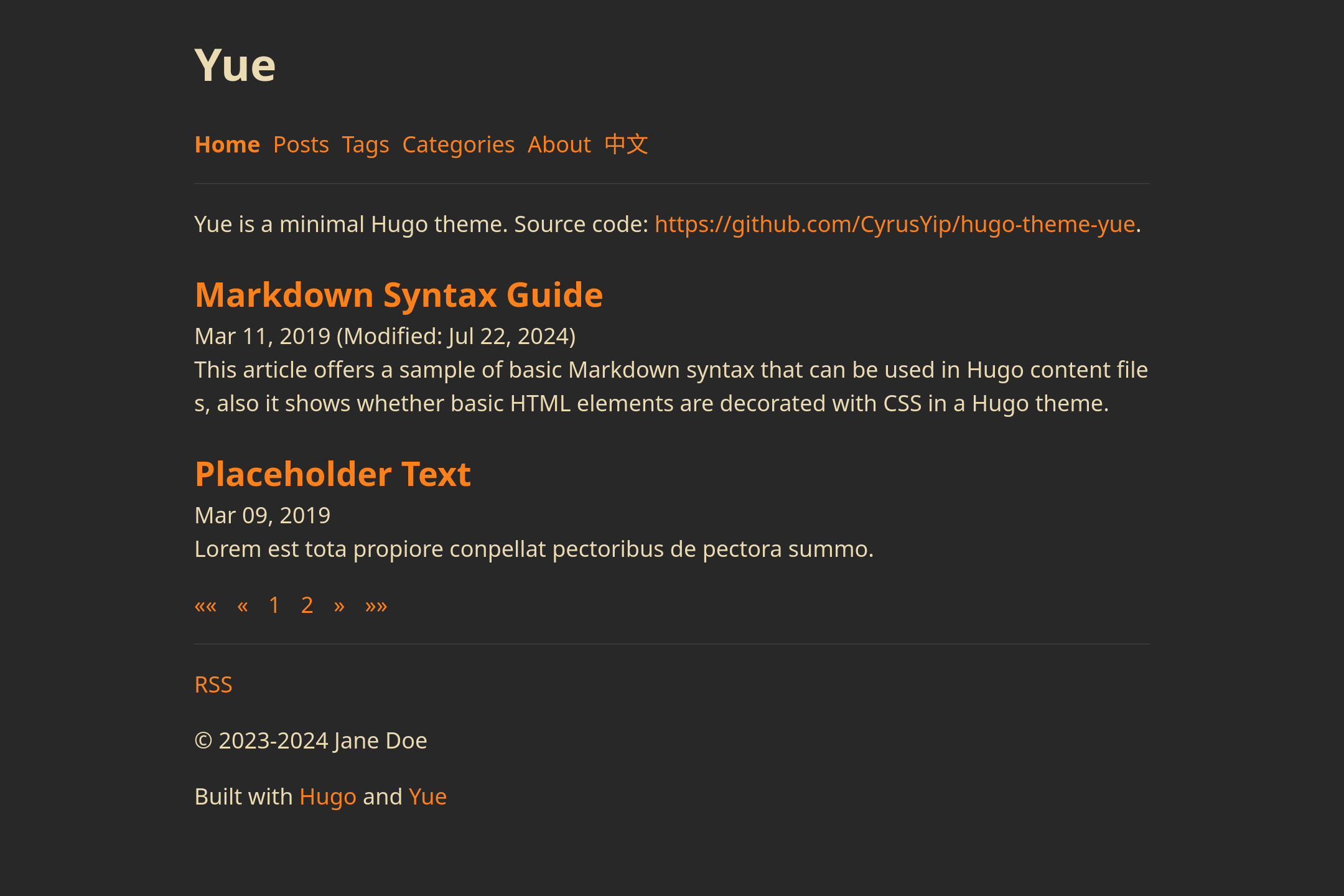
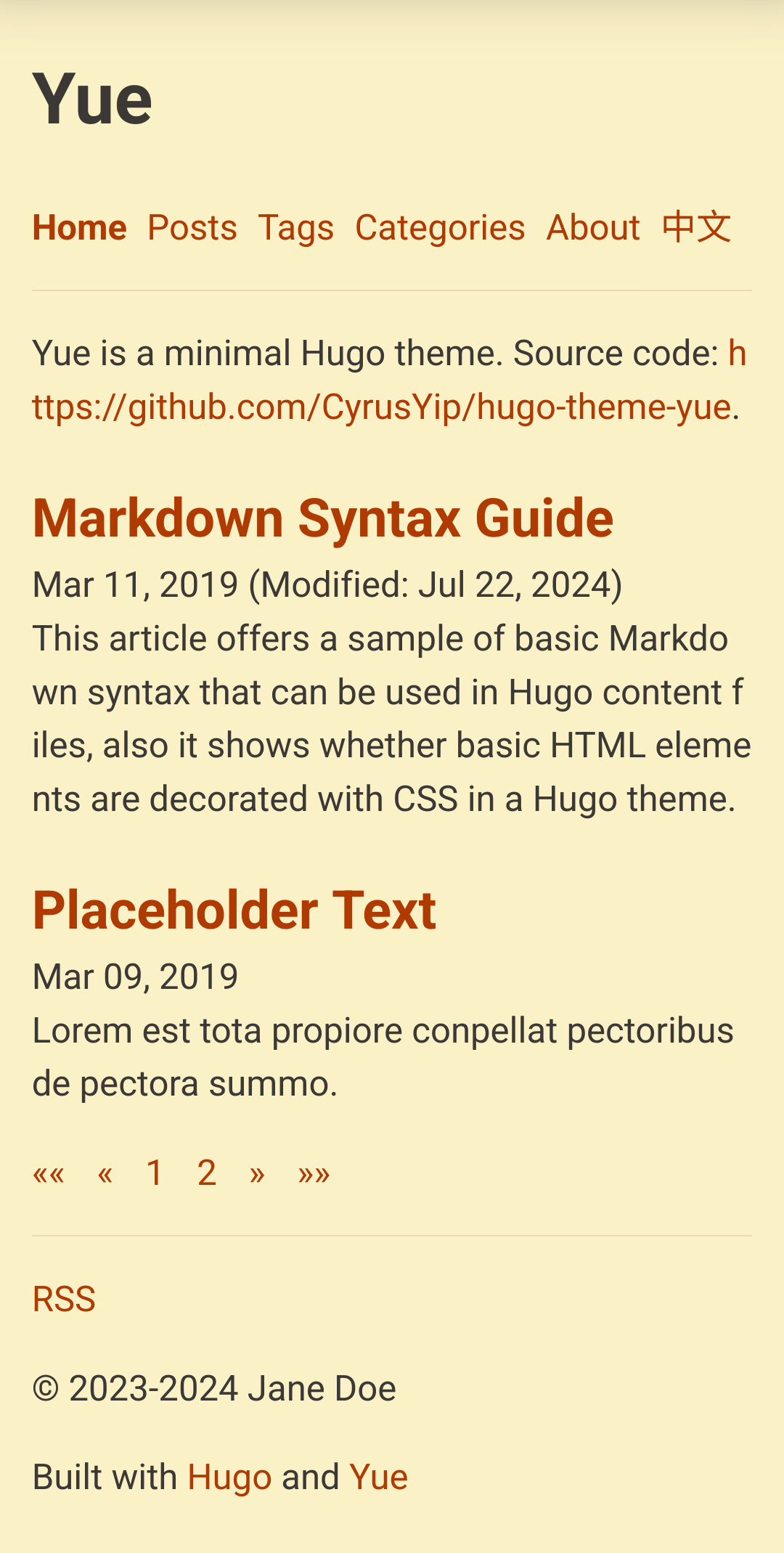
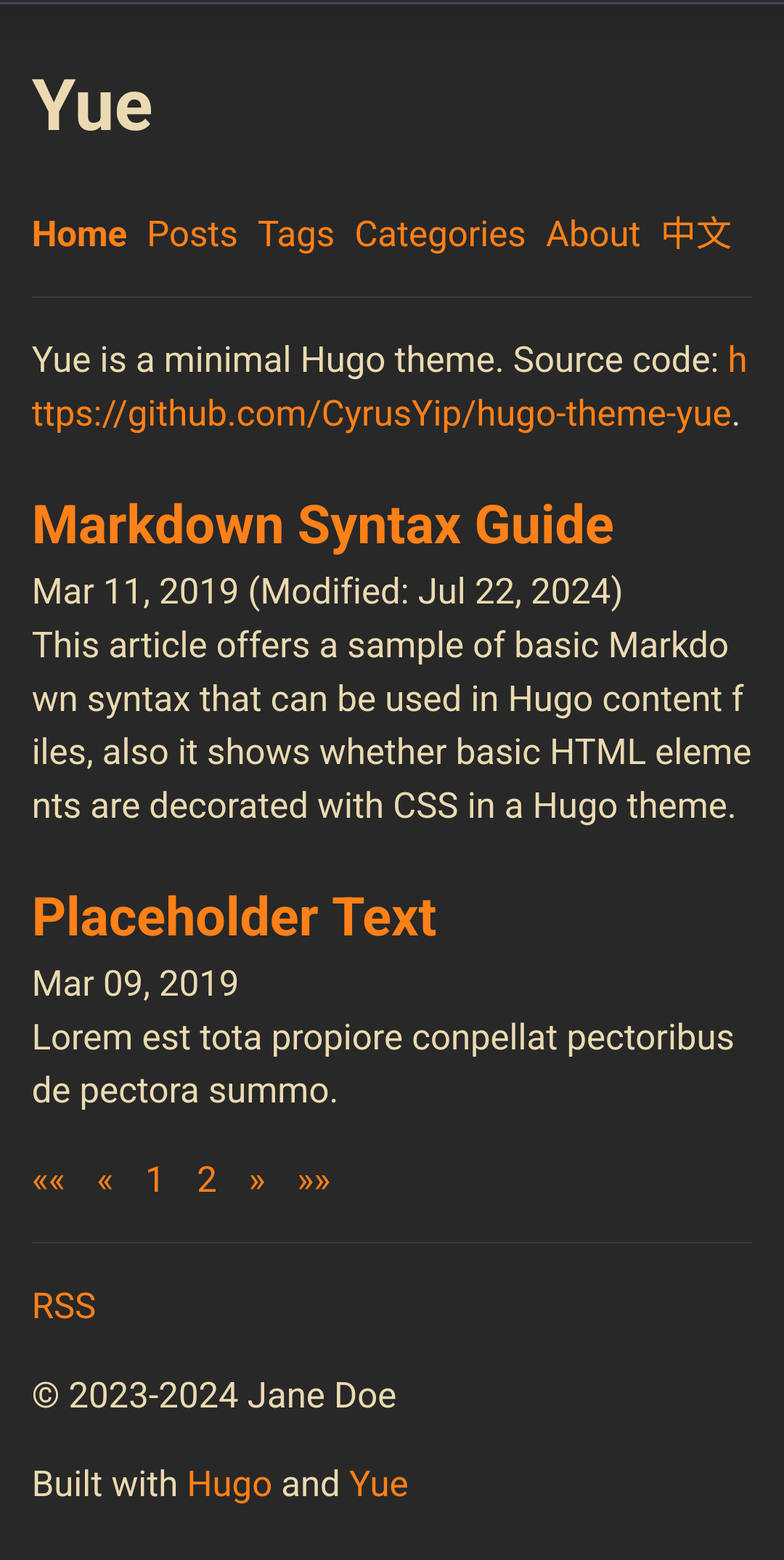
Screenshots may be outdated, so it's better to visit the demo website.
Light mode on desktop
Dark mode on desktop
Light mode on mobile
Dark mode on mobile
Features
- Minimal appearance
- Easy to install (with Git and Hugo installed, create a website in a few seconds)
- Detailed documentation
- Automatic dark mode
- Multilingual
- Translation list in single page
- Language selector (go to corresponding page or homepage)
- Multiple authors
- Table of Content (foldable, only generated when available)
- Modification date on home page, single page, section page and term page
- Custom date format
- Pagination on home page and section page
- Full-text RSS
- Tags and categories
- Copyright notice (author and year span can be set)
- RSS link
- Heading anchor link
- Mobile-first and responsive
- SCSS
- Search engine optimization
- Microdata
- meta description
- Open Graph
- Page count to sections (
/posts/,/tags/, etc.) - Customization
- Favicon
- Styles (SCSS)
- Contents (HTML)
To find out all features, check hugo.yaml (default configuration) and exampleSite/hugo.yaml (demo site's configuration).
Get started
Install
Install Git and latest Hugo extended.
# Create website
git init my-website
cd my-website
# Install theme
git submodule add --depth=1 https://github.com/CyrusYip/hugo-theme-yue themes/hugo-theme-yue
git commit --message "add theme"
# Create demo content
cp --recursive themes/hugo-theme-yue/exampleSite/* .
# Preview
hugo server
Now we have a working demo webiste. The content directory contains the content, and hugo.yaml is configuration file. Feel free to play around with them.
Update theme
cd my-website
git submodule update --remote
It's recommended to read CHANGELOG.md before updating the theme.
You can subscribe updates and the changelog in a feed aggregator (e.g. Inoreader).
- Updates: https://github.com/CyrusYip/hugo-theme-yue/commits/main.atom
- Changelog: https://github.com/CyrusYip/hugo-theme-yue/commits/main/CHANGELOG.md.atom
Clone website
You need to use additional options when you clone your website project.
git clone --recurse-submodules --shallow-submodules git@github.com:your-user-name/my-website.git
Deploy
After setting up the website, you probably want to host it on Internet. There are many methods for doing it, see Hosting and deployment | Hugo. If you don't know what to choose, you can start from Netlify, see Host on Netlify | Hugo.
Make sure you change baseURL to your domain name (e.g. https://my-cool-domain.org/) in hugo.yaml.
-baseURL: https://yue.cyrusyip.org/
+baseURL: https://my-cool-domain.org/
Recommended build command:
hugo --gc --minify
--gc remove unused cache files
, and --minify reduce the size of the website (mainly HTML).
Usage
Create a new post.
hugo new content content/en/posts/my-first-post.md
To learn more about usage, see:
Config
Settings are listed in exampleSite/hugo.yaml (demo site's config) and hugo.yaml (default config, imported by the former).
In the root of your website project, hugo.yaml is the config file, which is a copy of exampleSite/hugo.yaml.
To learn configuration, see Configure Hugo | Hugo.
Multilingual mode
Supported languages:
ar: Arabicen: Englishfr: Frenchzh-CN: Simplified Chinese
To create a multilingual website, see Multilingual mode | Hugo and exampleSite/hugo.yaml.
Translation files are located in the i18n directory and data/i18n.yaml. Contributions for additional languages are welcome.
To contribute a new language:
- Create a language file (e.g.,
fr.yamlfor French) in the i18n directory. - Copy the content of i18n/en.yaml into the new file.
- Remove all comments (
# ...) and translate the content. - Translate the content in data/i18n.yaml as well.
If you want to keep contributing to translation, you can get latest changes by subscribing the feed of i18n/en.yaml (https://github.com/CyrusYip/hugo-theme-yue/commits/main/i18n/en.yaml.atom) using an RSS reader.
Title of tags and categories
If your website is not in English, you probably want to customize title of /tags and /categories.
For example, to customize /tags title of zh-CN website, create content/zh-CN/tags/_index.md and add the following content into the file.
---
title: Chinese Tags
---
Customize
Yue allows you to customize favicon, styles (SCSS), and contents (HTML).
Favicon
Favicon is the icon next to title in a browser tab. To use your favicon, put favicon.ico under static directory. You can create favicon.ico on online favicon.ico generators.
Styles (SCSS)
Yue uses SCSS (libsass) to add styles. All files are in assets/scss.To customize styles, create assets/scss/_style-start.scss and assets/scss/_style-end.scss.
_style-start.scss is applied first, and you can override variables in this file.
$base-font-size: 15px;
_style-end.scss is applied last, and you can add styles in this file.
Vanilla CSS is also valid in SCSS.
References:
Contents (HTML)
You can create these files to insert HTML code.
layouts/_partials/head/head-start.htmllayouts/_partials/head/head-end.htmllayouts/_partials/page/page-end.htmllayouts/_partials/body/body-end.html
head-start.html
head-start.html is added near the start of the <head> element.
Use cases:
- Preload scripts
- Load scripts
- Load styles
Here is an example of preloading scripts:
<link rel="preload" as="script" href="https://unpkg.com/@swup/head-plugin@2">
<link rel="preload" as="script" href="https://unpkg.com/@swup/preload-plugin@3">
<link rel="preload" as="script" href="https://unpkg.com/swup@4">
head-end.html
head-end.html is added to the end of the <head> element.
Use cases:
- Load scripts
- Load styles
Here is an example of adding Google Analytics and a local script:
<!-- Google Analytics -->
<script async src="https://www.googletagmanager.com/gtag/js?id=G-F46B15BRUF"></script>
<script>
  window.dataLayer = window.dataLayer || [];
  function gtag(){dataLayer.push(arguments);}
  gtag('js', new Date());

  gtag('config', 'G-F46B15BRUF');
</script>

<!-- Local script, path: assets/js/my-script.js -->
{{ with resources.Get "js/my-script.js" | js.Build }}
  <script defer src="{{ .RelPermalink }}"></script>
{{ end }}
page-end.html
page-end.html is added to the end of the <main> element in a post.
Use cases:
- comment services, e.g., Disqus and giscus
Here is an example of adding Giscus:
{{ $language := "" }}
{{- /*
Workaround for lowercase LanguagePrefix,
see https://github.com/gohugoio/hugo/issues/9404
*/ -}}
{{ if eq site.LanguagePrefix "/zh-cn" }}
  {{ $language = "zh-CN" }}
{{ else }}
  {{ $language = "en" }}
{{ end }}
<script src="https://giscus.app/client.js"
        data-repo="CyrusYip/yue-test"
        data-repo-id="P_9hJMbXtqr"
        data-category="General"
        data-category-id="SIB_ldsflk712ldRsjf7"
        data-mapping="pathname"
        data-strict="0"
        data-reactions-enabled="1"
        data-emit-metadata="0"
        data-input-position="bottom"
        data-theme="preferred_color_scheme"
        data-lang="{{ $language }}"
        crossorigin="anonymous"
        async>
</script>
List of comment services: Comments | Hugo.
body-end.html
body-end.html is added to the end of the <body> element.
Use cases:
- Dynamically load scripts
Support
To report bugs, submit an issue. To ask questions, start a discussion.
Further reading
Hugo has many features, read Hugo Documentation to learn.
Changelog
See CHANGELOG.md.
Development
This project uses hugo-bin - npm to manage Hugo version. Prerequisite: Node.js and npm.
Clone this repository.
npm install
npm run clean:server:shared
There are other useful commands listed in package.json. To use recommended Hugo version, run npx hugo.
If you don't have Node.js and npm installed, just install the version listed in package.json.
"hugo-bin": {
  "buildTags": "extended",
  "version": "x.yyy.z"
},
CHANGELOG.md should be updated in each commit.
Websites built with Yue
If you are using Yue and source code of your website is hosted on GitHub, you can add hugo-theme-yue topic to your repository.
Acknowledgement
I have learned a lot from many projects. Thank you, developers.
- hugo-xmin (minimal templates)
- hugo-theme-jane (RSS template)
- hugo-theme-zen (language selector)
- hugo-theme-gruvbox (color)
- gruvbox (color)
- hugo-theme-stack (source code, documentation and config)
- hugo-PaperMod (source code, documentation and config)
License
This project is licensed under MIT.